Installable Solutions For Tour Operator Workflows
Tier 1 gives you fixed, implementation-ready automation templates designed with guardrails, message structures, and setup guidance. You stay in control of the accounts, deployment, and outcomes.
Best for
Operators who want proven patterns fast, without handing over their stack or committing to a more robust solution.
What it is not
Not a managed deployment by ToursAiHub. No customization, no monitoring, no live operational responsibility transfer like in Tier 2.
Fast path
Start With One Automation
Choose a single high-impact automation workflow, implement it, and evaluate the results before expanding.
- •Clear setup steps and required tools and connections
- •Guardrails, exclusions, and human handoff rules explained
- •Implementation checklists
Assistive systems. No outcome guarantees. Client-owned accounts and data.
What You Get
Each template is built as a small, fixed automation that focuses on one workflow or task. We break them up into step by step actions that are completed exactly as designed. With this, we limit the scope of AI and its ability to make errors. Tier 1 automations are a good introduction into how AI can quickly improve elements of your workflow.
Implementation docs
Step-by-step setup, required inputs, and expected behavior. No hidden assumptions.
Guardrails and exclusions
Intent boundaries, escalation rules, and hard exclusions for money, complaints, and sensitive requests.
Thorough Context
Clear Explanations as to why certain automations are set up the way they are.
Ownership
You implement them in your accounts. You control access, approvals, and changes.
Flexible Structure
Easily adjust any of the tools within the automation to match what you use.
Upgrade path
If you want implementation, monitoring, and maintenance services, Tier 2 is the next step.
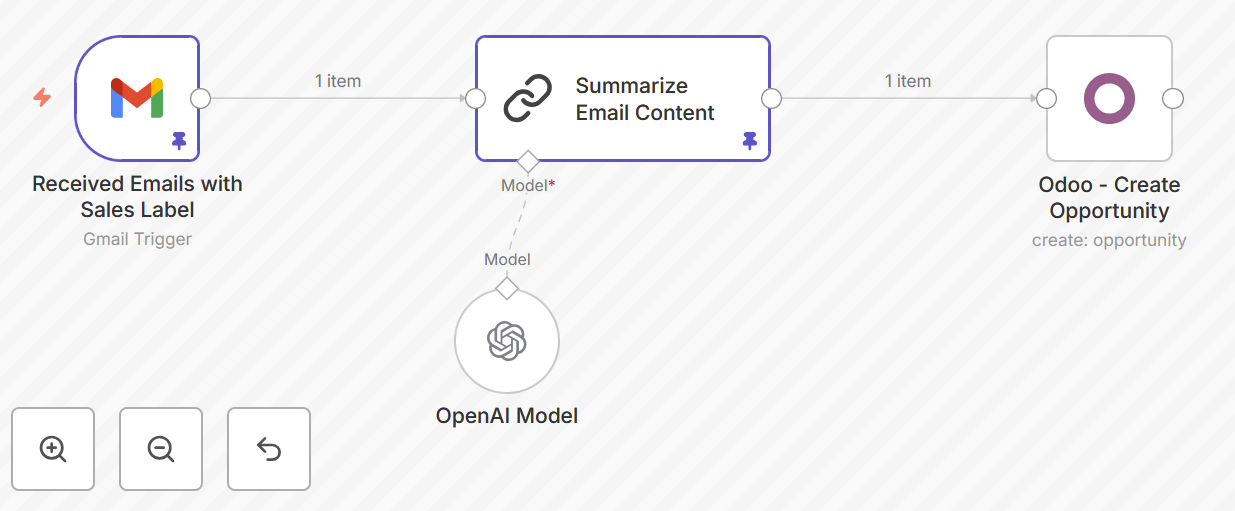
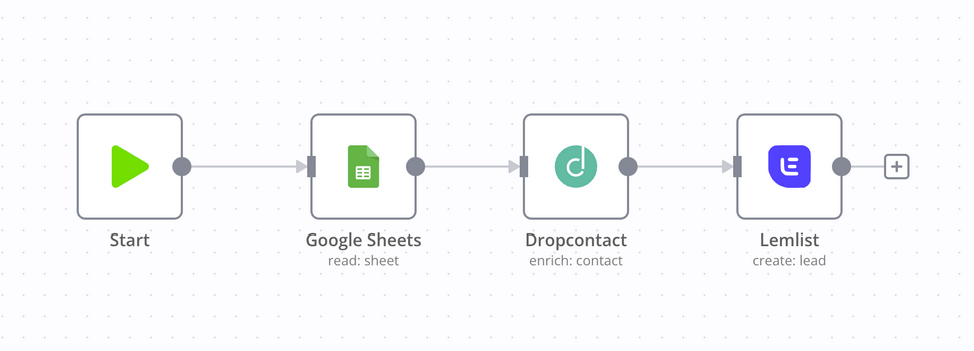
Automations List
Decide what your biggest pain point is and find the automation template that can solve it best.
Customer Messaging
Email Filter & Drafting System
Filters emails into business vs non-business categories, classifies inbound messages, and drafts responses using information from a database and category logic. Supports human approval or escalation. No autonomous sending.
What It Achieves
- Separates operational messages from noise so the team sees what matters first.
- Produces draft replies using approved information and category rules, without sending automatically.
- Creates a consistent approval/escalation path for sensitive or unclear messages.
Includes
- Email classification categories (business vs non-business + subtypes)
- Draft-first response logic with human approval
- Escalation rules and hard exclusions
Customer Messaging
RAG-Backed FAQ Bot (Website Starter Kit)
A basic retrieval-based FAQ assistant using a vector store and tour policy documents to answer common questions on a website. Starter configuration only. Chatbot in the website, not WhatsApp.
What It Achieves
- Answers common questions from your own tour policies and FAQ documents instead of guessing.
- Reduces repetitive inbox load by handling basic “what is included / where to meet / cancellation” questions on-site.
- Keeps responses consistent by limiting outputs to retrieved source material.
Includes
- Starter vector store structure and document ingestion assumptions
- Policy/FAQ document formatting guidance for better retrieval
- Website chat UI starter embedding notes
Ops Handoffs
Booking Reminder Flow
Sends time-based reminders for private tour clients via email so you can automatically confirm details, reduce last-minute changes, and catch exceptions early.
What It Achieves
- Confirms logistics before the tour date (meeting point, time, group size, special notes).
- Surfaces changes early enough to respond without operational scramble.
- Creates a consistent reminder cadence without manual follow-up.
Includes
- Time-based trigger schedule (e.g., X days before, day before)
- Email reminder templates with placeholders
- Exception flags and escalation prompts
Note: Tier 1 is DIY and fixed by design. If you want these patterns implemented, monitored, and maintained inside your live tools, move to Tier 2.
Frequently Asked Questions
Do you implement Tier 1 for us?
No. Tier 1 is DIY. If you want implementation, monitoring, and maintenance, Tier 2 is the correct engagement.
What if a template does not match our workflow?
Templates are fixed. You can adapt them internally yourself. Common changes would be changing the email provider or the database.
Will this replace staff?
The intent is to reduce coordination load and standardize routine handling. Humans stay responsible for exceptions and outcomes.
Do templates include safety rules?
Yes. Each template includes scope boundaries, escalation rules, and hard exclusions for sensitive intents.